Play The Sims for free on your Kindle tablet
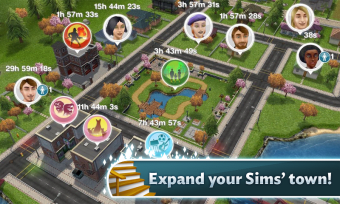
The Sims Freeplay is a free version of EA's popular virtual life series of games. It allows you to take control of your own town and its inhabitants.
Top Recommended Alternative

Introducing The Sims Freeplay
You start off in The Sims Freeplay by choosing a Sim or customizing your own from scratch. Besides changing aspects of their appearance, you can apply a personality trait to your character (crazy, creative, romantic, geek, etc.).
Once you've made your character, The Sims Freeplay will transport you to their new home where the game starts. Despite the wide range of options available, the layout of the controls makes it very easy to move around and do things in The Sims Freeplay. You pinch to zoom in and out, and can swivel the screen by holding and turning your fingers.
How to play the game
The first few tasks you complete in The Sims Freeplay serve as a tutorial, introducing you to the principles of the game and how the money and experience points system works.
The Sims Freeplay, supported by in-app purchases, is a completely different game to the 'full' version of The Sims for Android. In Freeplay your Sim life is played out in real-time and the business model is based around you paying to speed things up, or purchasing 'Simoleons' (Sims currency) in order to buy or upgrade things within the game.
The real-time aspect of The Sims Freeplay can get very frustrating and things can get pretty boring - especially when your Sim is sleeping! However, it's possible to control up to 16 Sims at once, meaning that there's generally always something you can be doing.
Moreover, with the latest update, The Sims Freeplay includes a new castle where your own family can start living. Court life will give you more hours of fun, either as a lazy king or queen or as a part of their entourage - for example a jester.
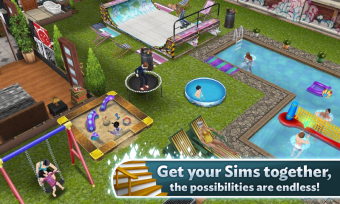
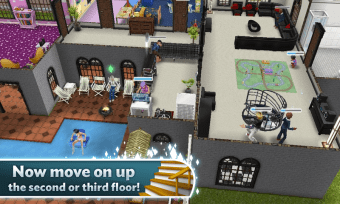
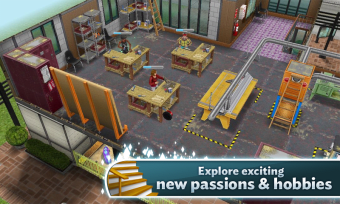
The Sims Freeplay is beautifully designed, with great attention to detail, a gorgeously rendered world, and smooth animations. The music is tranquil and relaxing, and you can even change the song that's playing by turning on the stereo in your house!
The verdict
It's a bit annoying that you constantly need to be connected to the internet to play. Nevertheless, The Sims Freeplay is still a fun way to escape the real world for a while.